How to Reduce Image Size for Online Forms and Applications
Learn how to reduce image size for online forms and applications without unnecessary quality loss. Follow simple steps and use an online Image Compressor.
Read guide →Compress, resize, convert, crop, and optimize JPG, PNG, WebP and PDF files online for free. No signup, no watermark, and privacy-friendly processing in your browser.
Choose a category to find the right workflow for file size, dimensions, format or everyday image preparation.
The collection stays organized by task, so it remains easy to browse as more useful image tools become available.
Compress JPG, PNG and WebP images online while controlling quality and file size.
Open tool →Reduce an image close to 20KB for strict upload limits and online forms.
Open tool →Compress an image close to 50KB without uploading it to a server.
Open tool →Reduce an image close to 100KB for portals, documents and email attachments.
Open tool →Compress an image close to 200KB while preserving useful visual quality.
Open tool →Shrink JPG and JPEG images with a practical quality control.
Open tool →Optimize PNG images through a clean browser re-export and optional resizing.
Open tool →Reduce WebP file size using adjustable quality settings.
Open tool →Resize images to custom width and height with fit, fill and stretch options.
Open tool →Create a clean 300 by 300 pixel image with fit or crop controls.
Open tool →Resize or crop an image to exactly 600 by 600 pixels.
Open tool →Prepare a Full HD 1920 by 1080 image with flexible fit options.
Open tool →Resize and crop artwork to the recommended 1280 by 720 thumbnail canvas.
Open tool →Create a square profile image that keeps the main subject centred.
Open tool →Fit a photo into a square WhatsApp display picture without awkward framing.
Open tool →Prepare a portrait image at a practical 413 by 531 pixel passport-photo ratio.
Open tool →Convert JPG and JPEG images into lossless PNG files.
Open tool →Convert PNG images to compact JPG files with a chosen background colour.
Open tool →Convert JPG images to modern WebP for faster websites and smaller files.
Open tool →Convert WebP images to widely compatible JPG files.
Open tool →Convert PNG images to WebP with adjustable quality and transparency support.
Open tool →Convert WebP images to PNG for editing and broad compatibility.
Open tool →Combine one or more JPG, PNG or WebP images into a downloadable PDF.
Open tool →Render PDF pages as downloadable PNG or JPG images in your browser.
Open tool →Select and crop the exact part of an image you want to keep.
Open tool →Rotate images left, right or by 180 degrees and download the result.
Open tool →Mirror an image horizontally or vertically in one click.
Open tool →Re-export images through your browser to remove common embedded metadata.
Open tool →Generate common favicon and app icon sizes from one image.
Open tool →Convert an image to a Base64 data URL or turn a valid image data URL back into an image.
Open tool →ImageEaseTools performs routine compression, resizing, conversion and editing in your web browser wherever possible. Your original files do not need to travel to our server.
Common tasks run directly on your device.
Open a tool and complete the task immediately.
No watermark is added to processed images.
Each page combines a working browser tool with search-focused explanations, use cases, quality guidance and related resources.
Skip long uploads for everyday work and compare the result before downloading.
Use dedicated pages for 20KB, 50KB, 100KB, 200KB, social sizes and common formats.
Understand format choices, common mistakes and the settings that produce a better result.
Detailed guidance for choosing formats, reducing file size and preparing images for websites, forms and social platforms.
Learn how to reduce image size for online forms and applications without unnecessary quality loss. Follow simple steps and use an online Image Compressor.
Read guide →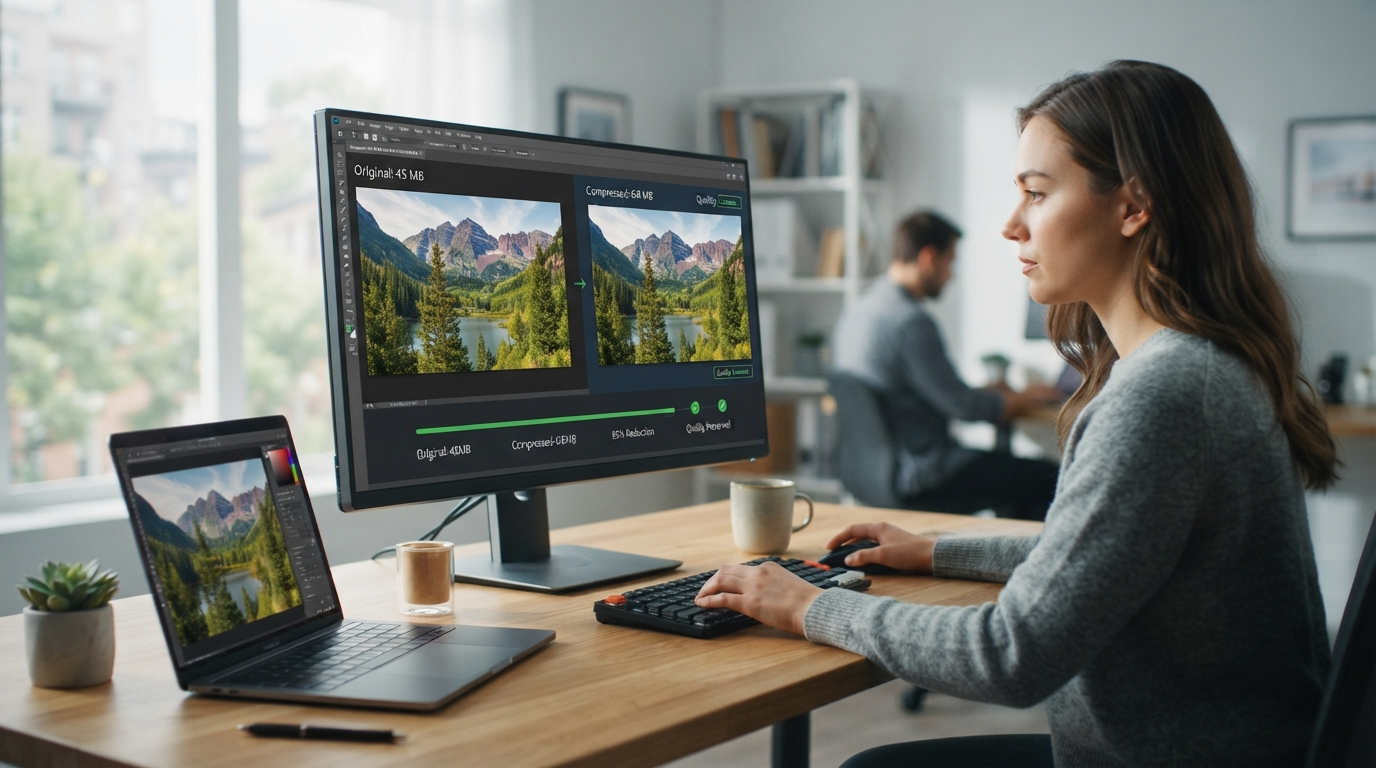
Learn how to compress images without losing quality using the best tools and techniques. Improve website speed, SEO, and user experience effortlessly.
Read guide →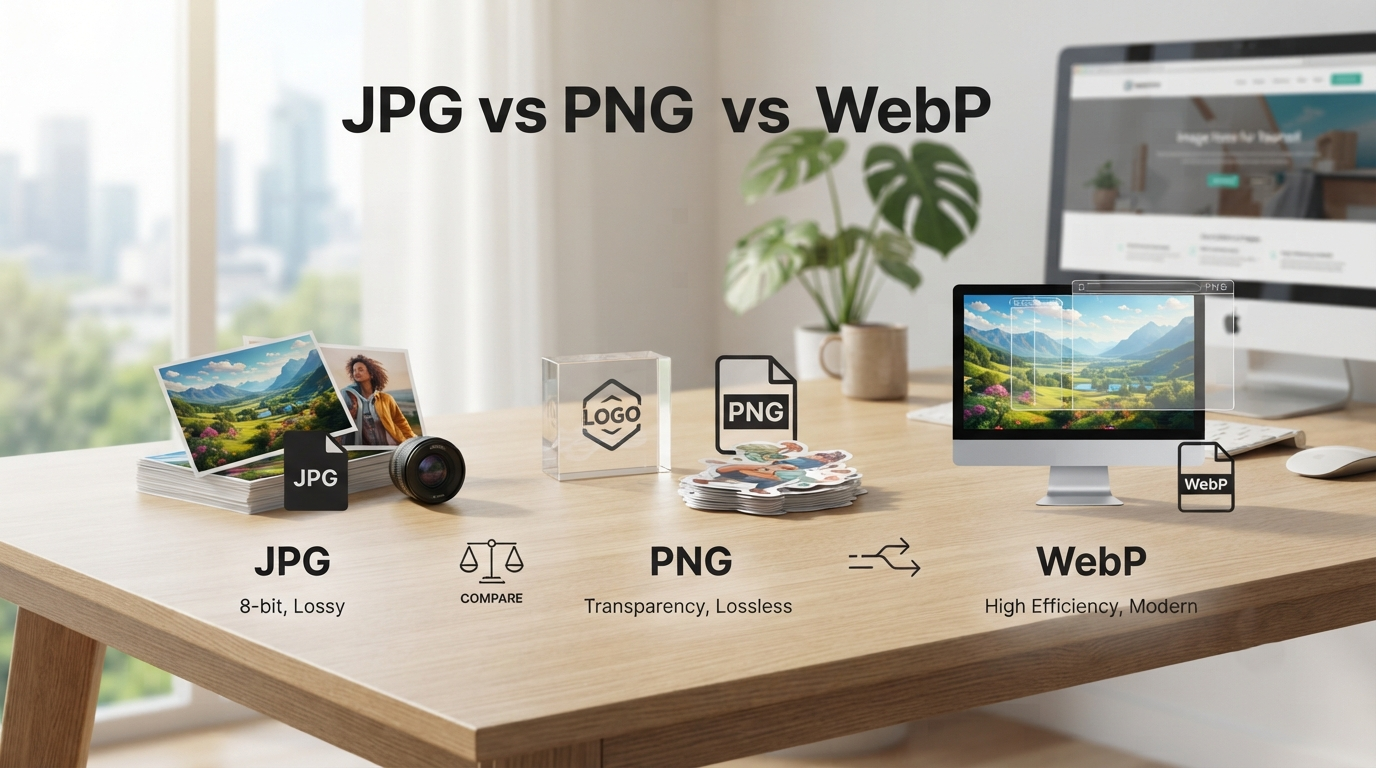
Compare JPG, PNG, and WebP image formats to learn which is best for photos, graphics, transparency, and web performance.
Read guide →
Learn why your image file is too large, what causes oversized images, and practical ways to reduce file size without unnecessary quality loss.
Read guide →